
How to Reset the Change Oil Meter on Your Kubota Grand L Series Intellipanel
August 5, 2014
As a whole, the New Kubota Grand L 60 Series has been big hit! So far all of the reviews from the units we’ve sold have been nothing but positive. We are coming to a time in that tractors life, since the first ones were sold, to start changing oil and performing some standard preventative maintenance. One of the nicest features on the Kubota Grand L Series is the Intellipanel- the LED display that walks you through the workings of the tractor from the odometer to the status of your emission filter. In this blog we’re going to tackle resetting your engine oil meter. While this isn’t a particularly difficult task, it is different from how it used to be done. So lets get started.
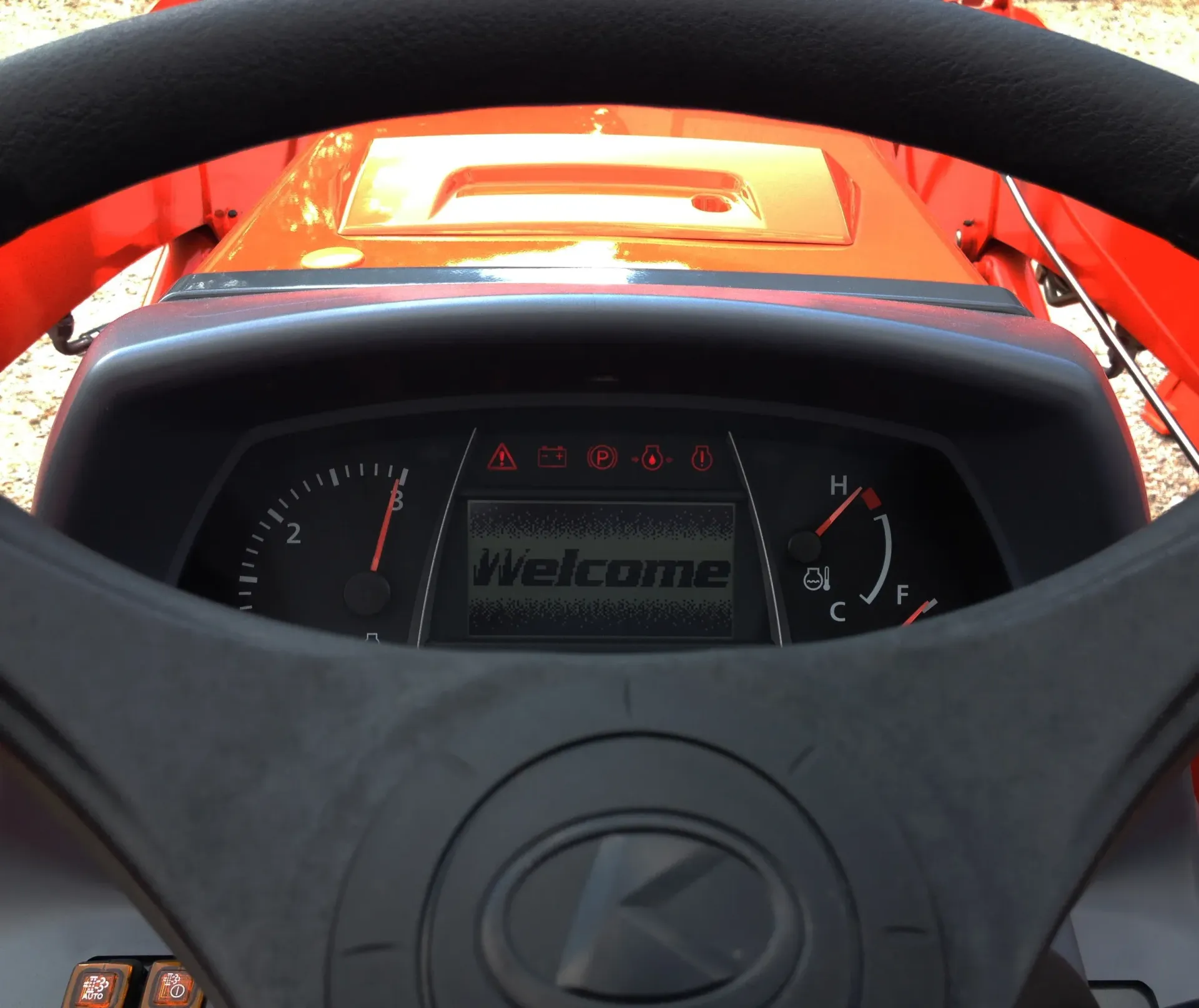
Meet the Kubota Intellipanle This device can make your life a lot easier but takes some learning!
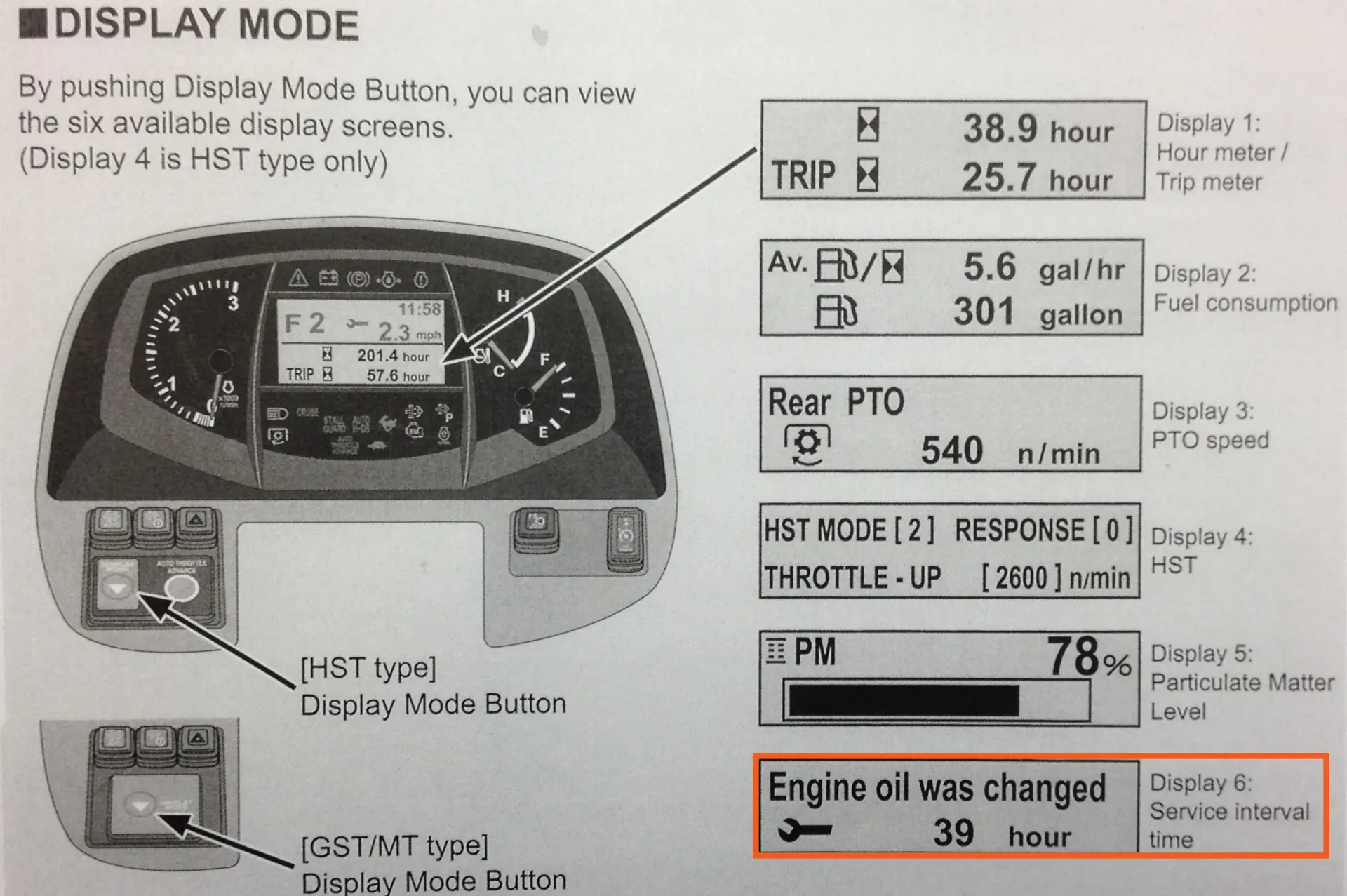
First let’s take a look at the Kubota Intellipanel. Hitting the display button takes you through the six different display modes on the panel. Holding down the display button allows you to enter each one of these modes. For the purposes of this post, we’re going to focus on the “Service Inspect Mode” Tap the display button until you see the screen highlighted in the image below.
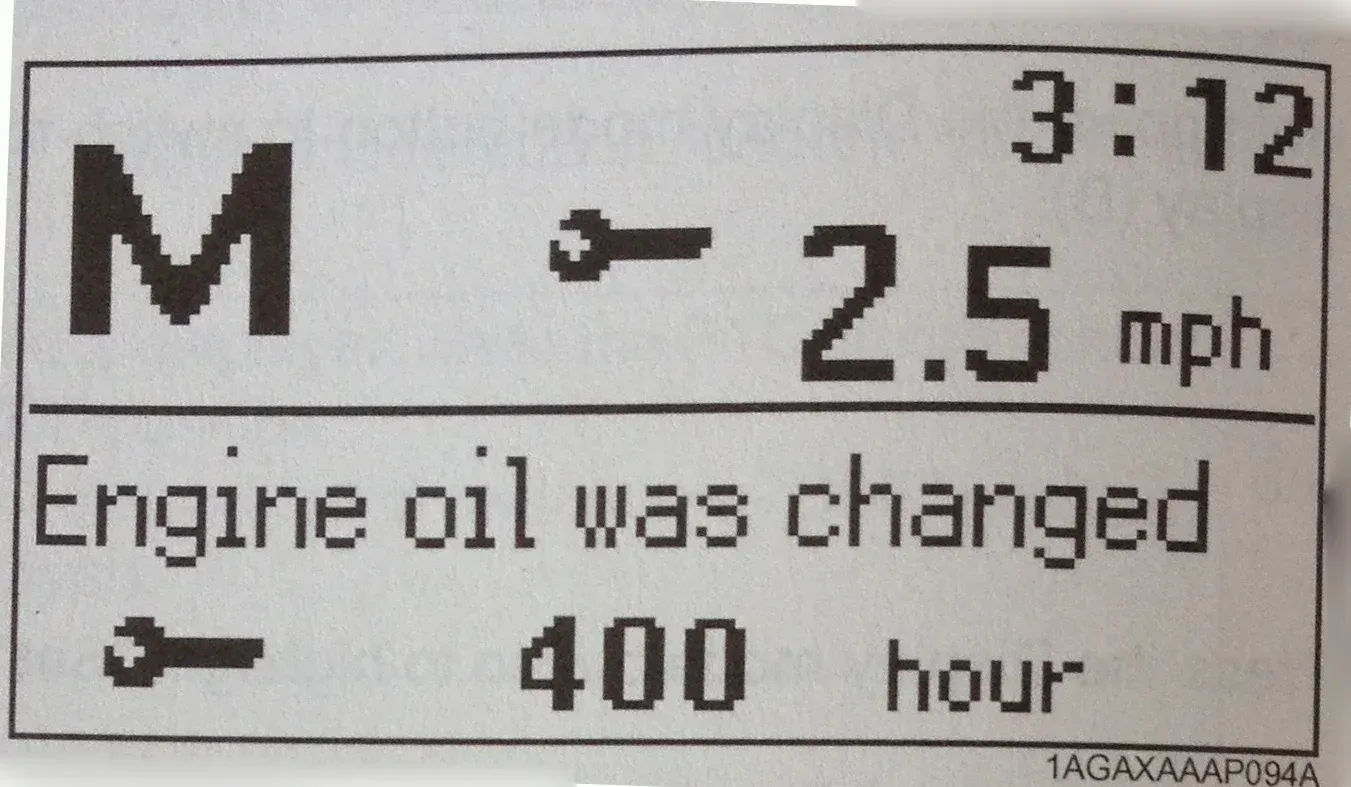
Next hold down the display button to enter your Kubota Tractor’s Maintenance Log as shown below.
Taping the display button in this log allows you to scroll through your maintenance tasks.
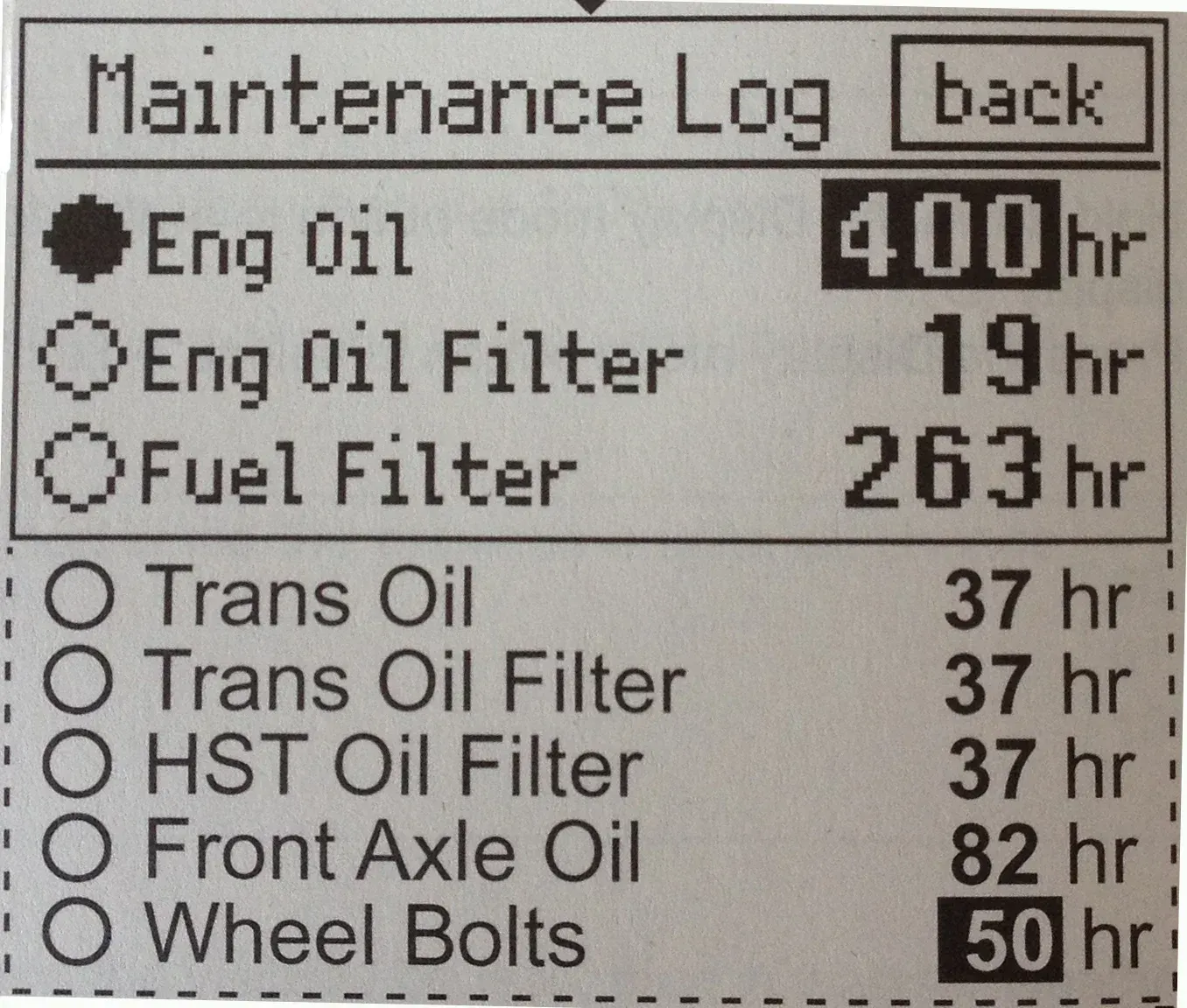
To reset these tasks to zero, select the task you want to reset and then hold down the display button. This will reset the hours back to zero.
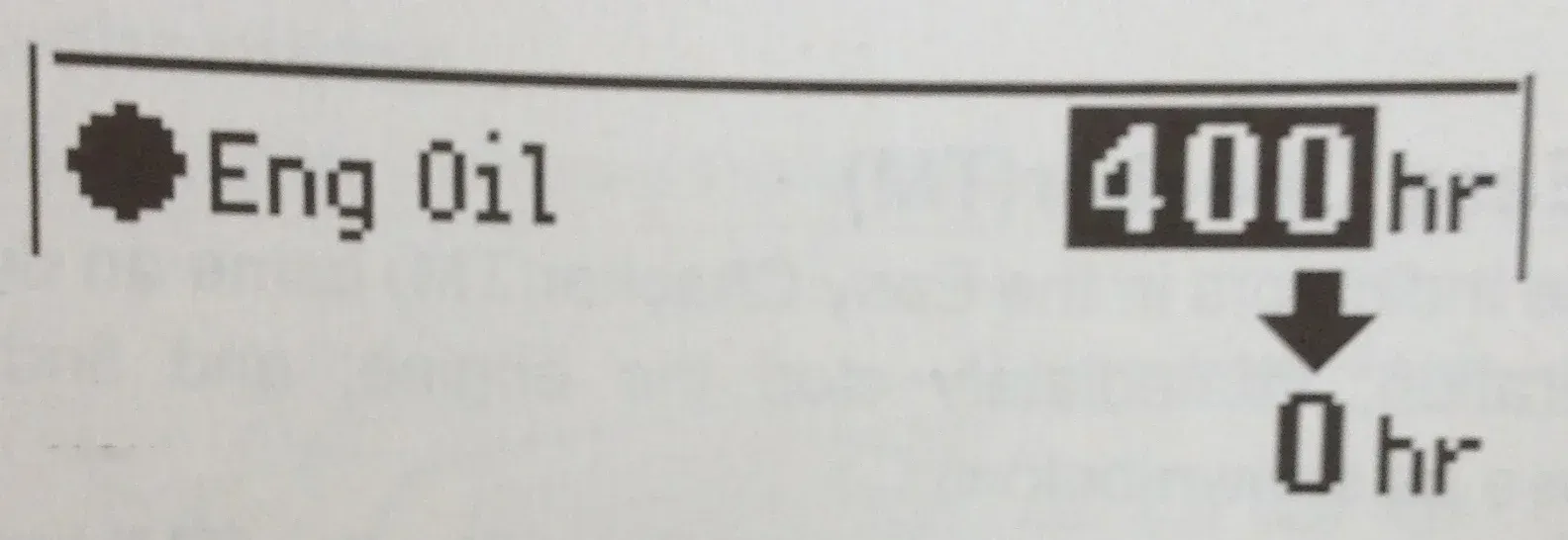
Once you’ve rest all the tasks you’ve completed back to zero, tap the display button until you’ve selected the back button.
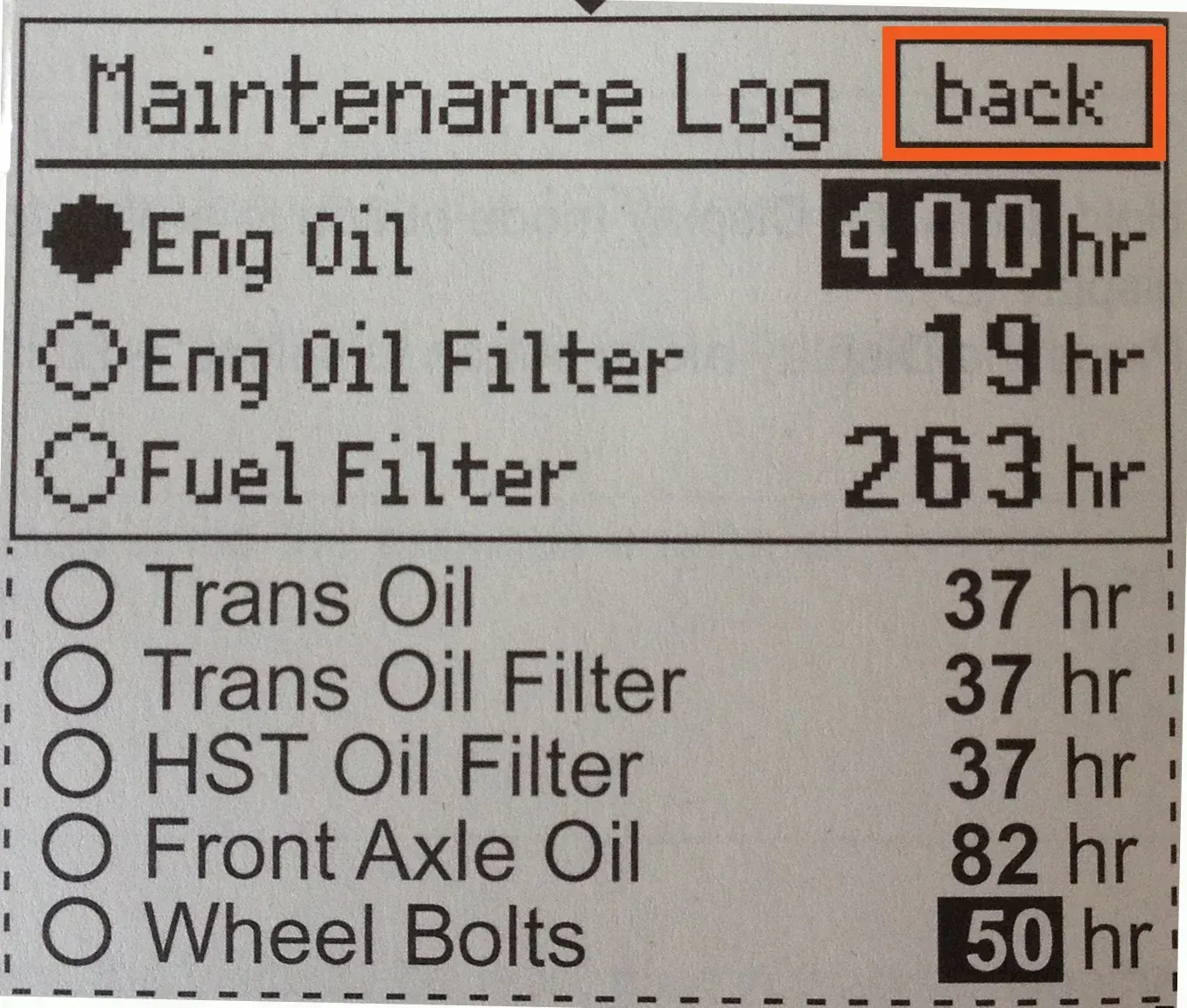
After you’ve selected the back button, hold down the display button to return to your main Service Inspect display screen.
At that point you’re done. All your service tasks have been reset to zero and your Kubota Grand L series is ready to tell you when you need to perform them again. Of course the easiest way to handle your intellipanel is to let a Kubota Dealership like us handle all our service needs. If you’ve got more questions about the Kubota Intellipanel give us a call or stop by today!
Need to see it? Check out the video below!